


F-117A Nighthawk Stealth Fighter 2.0 & Black Knight: Marine Strike Fighter: A PixelWings update
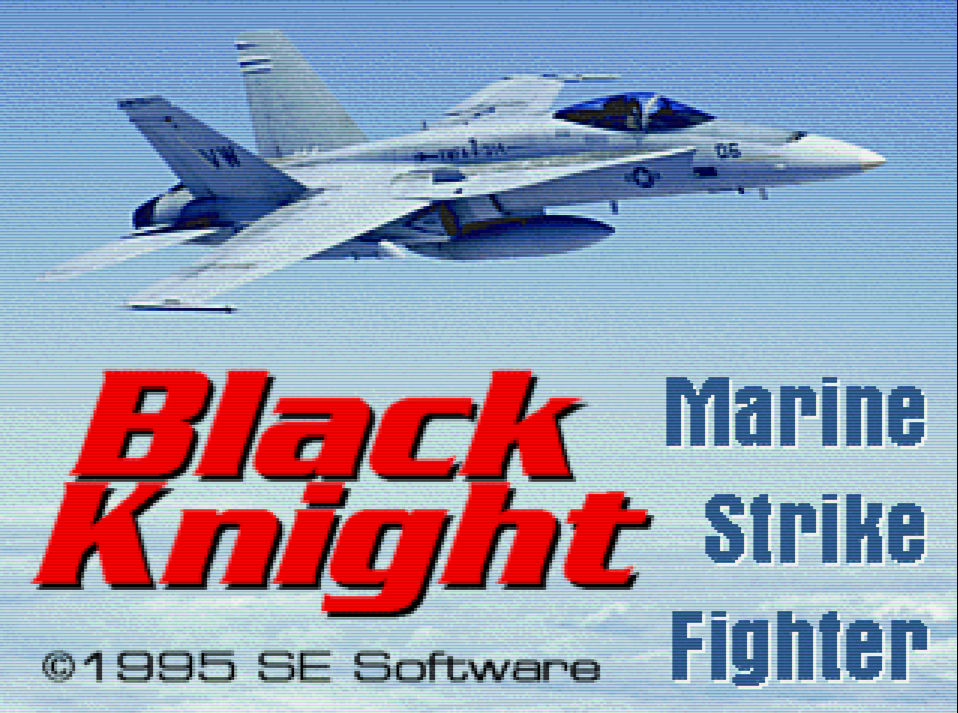
This article covers some of the recently released PixelWings mods for the Microprose sim, F-117A Nighthawk Stealth Fighter 2.0 and Black Knight: Marine Strike Fighter from SE Software.
This will be covering the mods from PixelWings only, for setup guides you'll want to take a look at:
On to the mods...
Cockpit Panel & Palette Mod for F-117 Stealth Fighter 2.0
This mod changes the cockpit graphics and makes substantial changes to the outside environment palette, best described by PixelWings (and taken from the readme):
This is a modification for MicroProse F-117 Stealth Fighter 2.0 that replaces the default cockpit panel with a new custom drawn one, and improves the overall color palettes used by the game. This creates a completely new look for the outside view during dawn, day, dusk and night, as well as adding dim lighting to the panel in the dark hours. New symbology in the MFD tactical maps is also added. In the desert scenarios the night time will not be completely dark, due to some quirks of the palette system used there. But the European and North Cape scenarios and certain other world areas will. These are now also changed to resemble winter time, the as requested by the community. There is a lot of love for this feature, as used in the Amiga version. It is my hope that these changes will bring some needed variety and "realism" to this excellent old game. Enjoy!
This mod is available from PixelWings. Installation instructions are included in the readme file, supplied with the mod.
Here's a side by side comparison of the original unmodded game and with the PixelWings mod:
Original game: North Cape during the day. PixelWings mod: North Cape at night!
f117menu
This is a quick (and entirely optional) DOS batch file game menu I've put together to allow the mod to be installed, removed and reinstalled, whenever you want, prior to playing the game. It has six options:
Play the game.
Backup the original files to an unmod folder. Once backed up this option is replaced with a message telling you the original files are in this folder.
Install the mod, or if not installed this option is replaced with a message telling you to install the mod to a pwmod folder.
Remove the mod and return to using the original unmodified files. The PixelWings mod can be reinstalled at any time.
Return to the DOSBox command prompt.
Exit DOSBox.
If you use this menu you'll need to:
Backup the original files with the menu, before using the mod.
Create a pwmod folder in the game installation folder and extract the mod to this folder.
You can find the menu below, just extract it to your game installation folder and run it from DOS with:
f117menuOr put it at the end of your DOSBox conf file with:
call f117menu.batBlack Knight - Palette Mod
This mod changes the environment palette to a brighter, desert setting. Again best described by PixelWings (and taken from the readme):
This mod changes the dark and gloomy daytime palette of the game to a brighter look, more fitting of a flight sim. It also changes the game to a desert setting instead of the default green scenery you would normally see.
This mod is available from PixelWings. Simple installation instructions are included in the readme file, supplied with the mod.
Here's another side by side comparison of the original unmodded game and with the PixelWings mod:
Original environment PixelWings palette mod
bkmenu
This is another quick (and entirely optional) DOS batch file game menu I've put together to allow the mod to be installed, removed and reinstalled, whenever you want, prior to playing the game. It has six options:
Play the game.
Backup the original files to an unmod folder. Once backed up this option is replaced with a message telling you the original files are in this folder.
Install the mod, or if not installed this option is replaced with a message telling you to install the mod to a pwmod folder.
Remove the mod and return to using the original unmodified files. The PixelWings mod can be reinstalled at any time.
Return to the DOSBox command prompt.
Exit DOSBox.
If you use this menu you'll need to:
Backup the original files with the menu, before using the mod.
Create a pwmod folder in the same folder as the bk.bat file and the unmod folder and extract the mod to this pwmod folder.
You can find the menu below, just extract it to your game installation folder and run it from DOS with:
bkmenuOr put it at the end of your DOSBox conf file with:
call bkmenu.batFinally...
Last but certainly not least, this article wouldn't be complete without credit and huge thanks to PixelWings for all the hard work in making these mods for these classic sims. It is very much appreciated! Thank you!
Good hunting!

Thanks for your kind words! That makes it all the more worth it :). And thanks for making these very nice and useful batch files! I have a lot of your previous ones, very helpful. Btw, I should update my readme for F-117 to reflect the fact that the cockpit panel needs the new palette to look proper. It will work for non-modded palette too but it will not look how I intended. they should really go hand in hand. All the best, PW